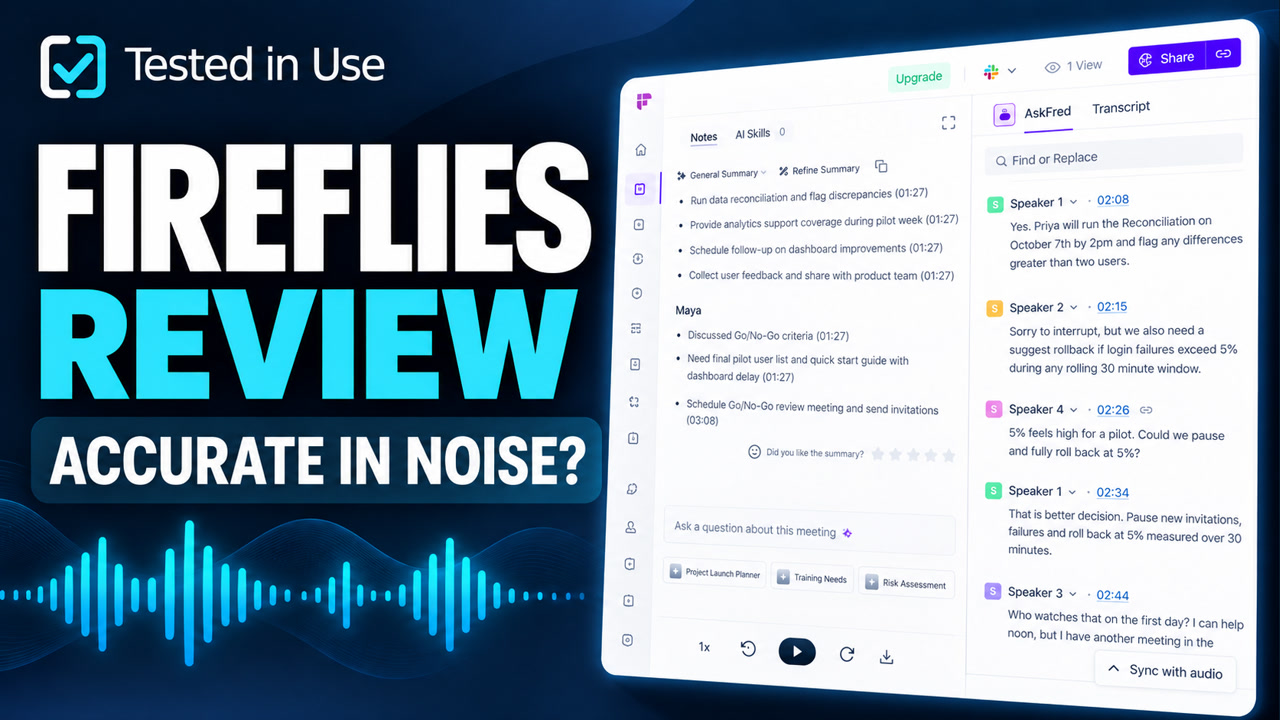
In this Fireflies.ai review, we tested clean and deliberately noisy meeting audio to see how reliably it captured transcripts, summaries, decisions and action items.
Verdict: Fireflies delivered the strongest browser workflow and richest conversation analytics in our comparison. Its factual inconsistencies mean important dates, thresholds and owners still need verification.
At a glance
- Best for: teams that want searchable meeting records, browser-based review and detailed conversation analytics.
- What impressed us: fast uploads, an intuitive workspace, responsive AI chat and unusually broad speaker insights.
- What did not: fragmented speaker turns, a missing threshold in the noisy transcript and a contradictory launch date in the summary.
- Tested: September 2026 with clean and noisy fictional project meetings.
What we tested
Our first source was a fictional project meeting lasting 4 minutes 48 seconds. It included multiple speakers, dates, named owners, numerical thresholds, corrections and a conditional launch decision. We uploaded clean and noisy versions, then compared Fireflies’ transcript and notes line by line with the reference script.
We then used a second noisy localization meeting. That script was intentionally dense: FR-CA fallback rules, 1,200 total strings, 400 changed strings for human review, a maximum of four truncated labels, time-zone-sensitive dates, pseudo-localization instructions and a conditional November 9 release.
Setup and workflow
Fireflies was quick to understand. Uploading recordings through the browser was straightforward, processing was reasonably fast, and the workspace kept the transcript, notes and meeting analysis together. We did not have to install a desktop application for this test.
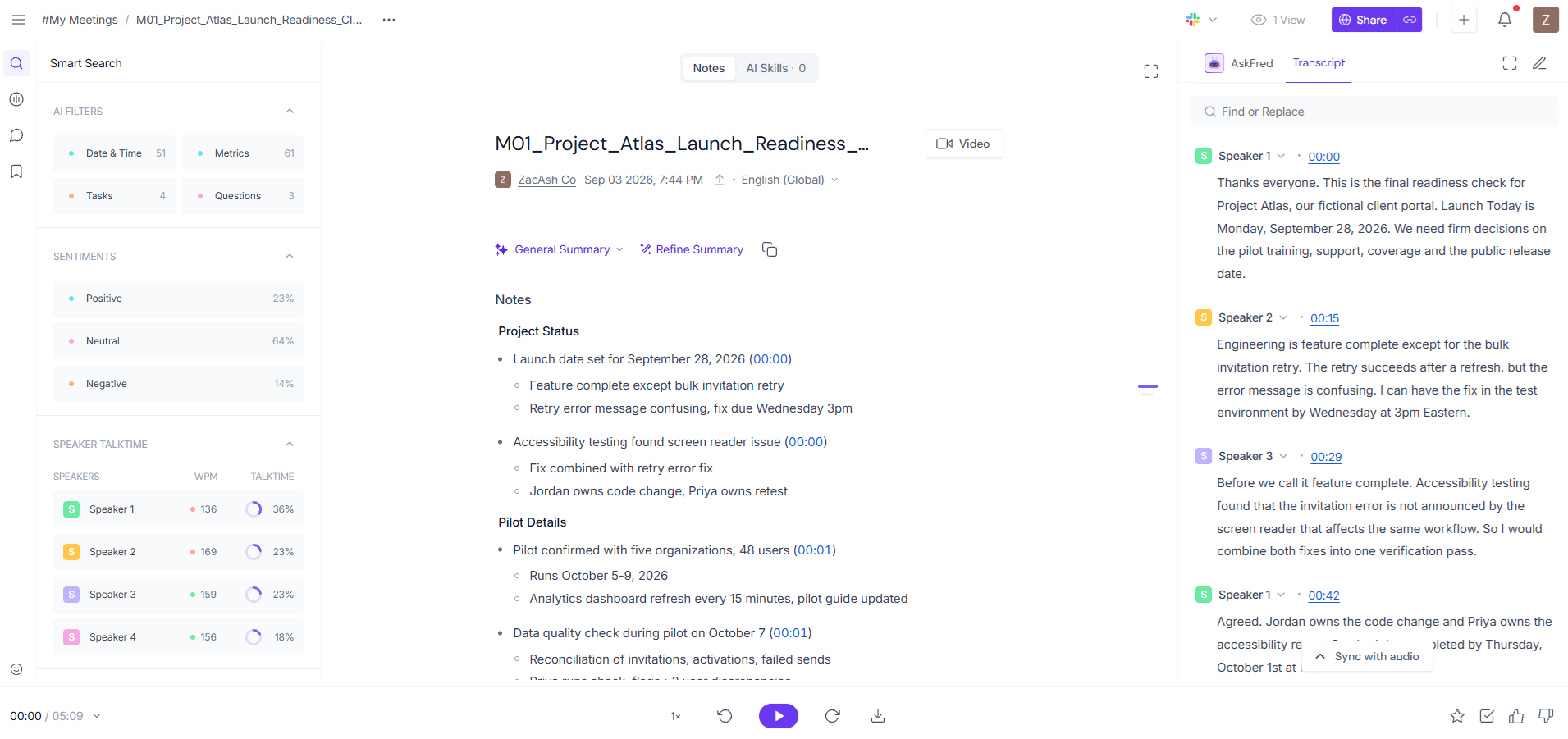
Its breadth was the standout feature. Alongside the transcript and action items, Fireflies displayed talk time, sentiment, questions, tasks and speaker insights. The built-in assistant also responded quickly during our use. That makes it more useful than a bare transcript when a team wants to search conversations or examine patterns.
Where Fireflies performed best
The browser experience was the best of the three meeting assistants we tested. The clean recording produced a usable transcript and detailed notes without a complicated setup. Fireflies also organized the evidence well: a reviewer could move between the recording, transcript, summary, tasks and speaker analytics without rebuilding the meeting record elsewhere.
That organization matters for managers, researchers and sales teams who need to find moments across many conversations. Fireflies is strongest when its output is treated as a searchable analysis layer—not as a perfect replacement for the recording.
Fireflies gave us the most useful workspace for exploring a meeting. The compromise was factual reliability: polished notes still required a source check.
The mistakes we found
The clean transcript retained most of the meeting’s meaning, but some speaker turns were fragmented or attributed awkwardly. Noise exposed a more important limitation. In one passage, the transcript lost the 3% value that controlled when the team should pause invitations, and the wording around Sev1 and Sev2 issues became garbled.
Fireflies’ notes later recovered the 3% pause and 5% rollback thresholds, showing that the summary layer could sometimes reconstruct context that the visible transcript did not clearly preserve. But the generated summary also introduced the largest factual problem in this review: it first said launch was set for September 28, then later correctly identified October 19 as the conditional public-launch date.

A reader relying on the first overview could act on the wrong date. That is why we would verify every deadline, percentage, owner and condition against the recording before moving it into a project plan or customer commitment.
The second noisy stress test
Our localization meeting added product-name spellings, locale codes, fallback rules, time-zone conversions and numerical acceptance criteria. This second recording helped us check whether the first result was a one-off. Fireflies again produced a useful navigable record, but the dense details reinforced the need to inspect exact facts rather than trusting the polish of the summary.

Conversation analytics: useful, not a verdict
Talk-time, sentiment, question and topic signals can direct a reviewer to moments worth examining. They do not automatically explain whether a meeting was effective or whether a participant’s contribution was valuable. We would use these measurements as prompts for human review, not as performance scores on their own.
Plans and value
Fireflies offers a free starting point and paid plans that expand storage, downloads, integrations and team analysis. Prices and plan limits change, so check the official pricing page before choosing a tier. The practical value depends on whether your team will use the searchable history and analytics; people who only need a simple transcript may not benefit from the extra layers.
Who Fireflies suits
- Teams that want transcripts, action items and conversation analytics in one browser-based workspace.
- Managers, sales teams and researchers who need searchable meeting history and speaker-level insights.
- Users who will verify high-impact facts before acting on AI-generated notes.
Who should look elsewhere
- Anyone who intends to copy AI-generated dates and tasks directly into a project system without checking them.
- Users who prioritize the most consistent notes from difficult audio over analytics breadth.
- Individuals who only need a simple transcript and would not use the additional analysis.
Final verdict
Fireflies was the best browser-based workspace in our comparison. It was approachable, quick and unusually rich in analysis. The trade-off is trust: the contradictory launch date and noisy-transcript omissions were material enough that we would verify every important detail before acting. Choose Fireflies for workflow and insight—not because AI notes remove the need to inspect evidence.
Limits of this test
This was a controlled editorial test using uploaded English-language recordings, not a universal benchmark. Live-meeting capture, other accents and languages, administrator settings and future model updates may produce different results. We will update this review when repeat testing materially changes the verdict.
Source check: Plan and feature references were checked against the official Fireflies pricing page on September 14, 2026.
Try Fireflies.ai for yourself
Eligible new users who sign up through our referral link can receive 10% off Fireflies plans for the first three days after signup.
Referral disclosure: Tested in Use may receive $5 in Fireflies account credits after an eligible referral activates. Eligibility and offer terms are controlled by Fireflies. This does not affect our test results or verdict.